
A PATH OF FLOWERS, A PLACE FOR MEMORY
Marigold Bridge AI Video Generator
Make the Viral Marigold Bridge Video From 1 Photo
Marigold Bridge AI turns one treasured adult portrait into a warm animated remembrance video: a glowing path of cempasúchil, a familiar face and a handful of golden petals.
One photo · 12 seconds · vertical MP4 · from $9.99
CREATE
Your photo.
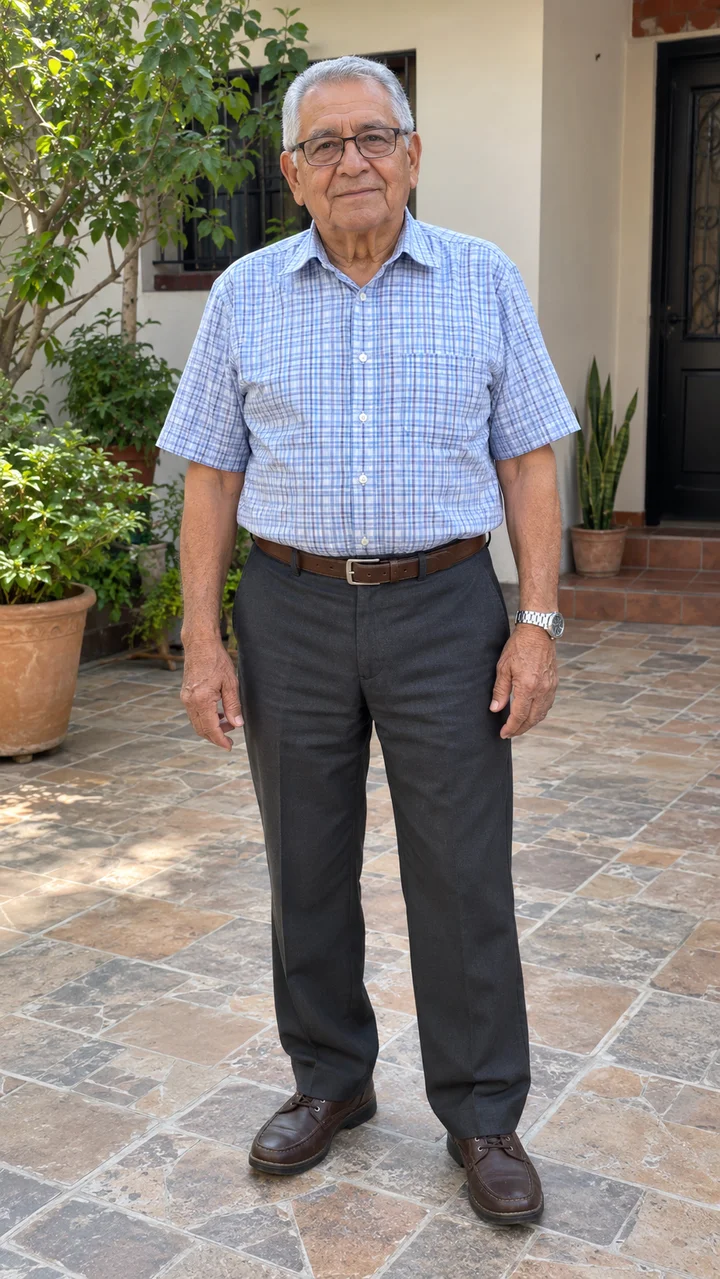
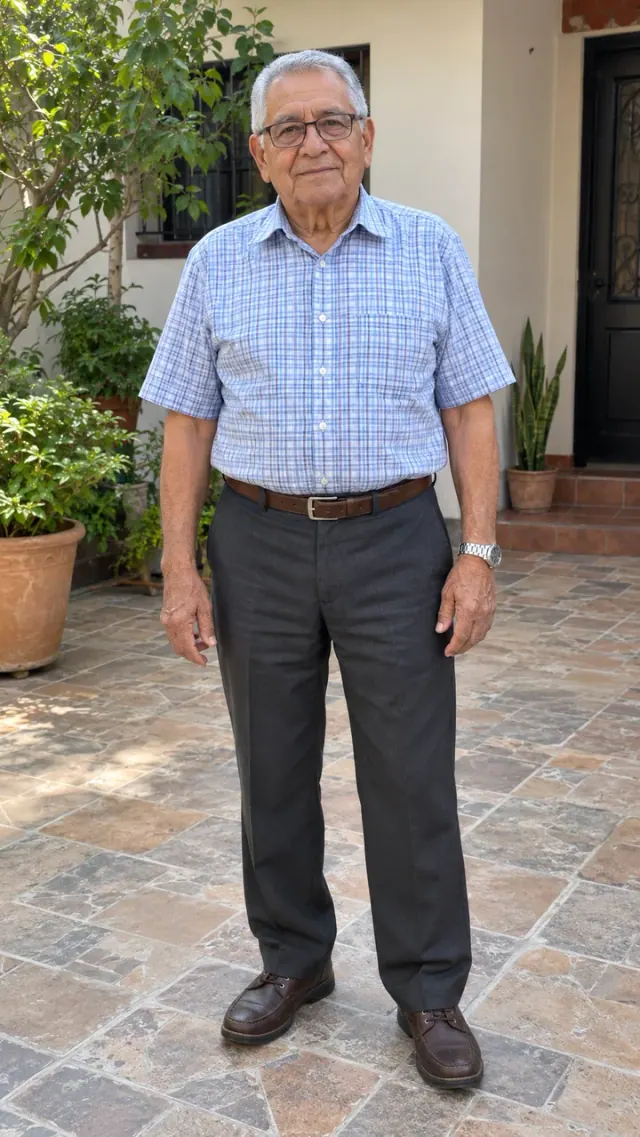
Fictional subject. Complete example.
YOUR INPUT1 clear photo
YOUR VIDEO12s · 9:16 MP4
NATIVE QUALITY720p
YOUR FILESPrivate in your account
A FEW WAYS TO REMEMBER
Every memory has a place.
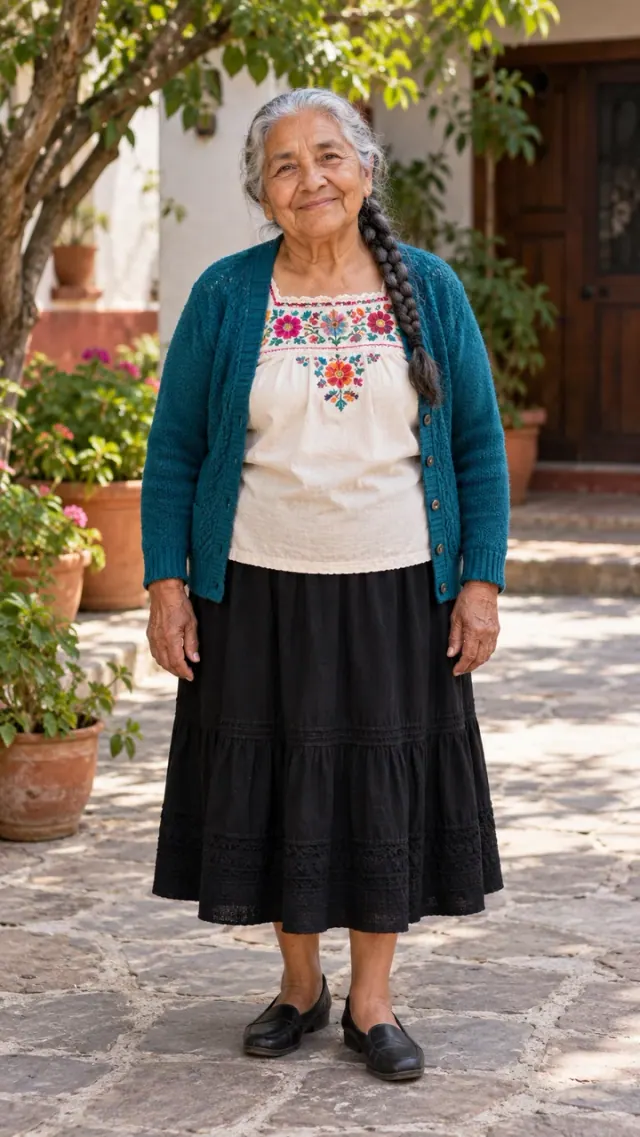
Fictional examples; private photos. Results vary.
CREATE
Your keepsake.
Marigold Bridge AI turns one treasured adult portrait into a warm animated remembrance video: a glowing path of cempasúchil, a familiar face and a handful of golden petals.
Review the example and credit cost.
How it works ↓THREE SMALL STEPS
From photo to keepsake.
- 01
Choose
Upload one clear adult portrait with visible face, clothing and natural posture.
- 02
Create your video
Sign in, check cost, submit once. Progress saves.
- 03
Save it
Review and download your MP4.
THE DETAILS THAT MATTER
A little care makes the memory yours.
The Marigold Bridge AI story
Marigold Bridge AI follows the flower-bridge remembrance trend: a person steps into luminous petals, crouches and gently gathers them. The bridge is an imagined setting for remembering someone you miss. Cempasúchil is the Mexican marigold traditionally associated with Día de Muertos; families observe the occasion in different ways.
Your photo in Marigold Bridge AI
Choose a sharp portrait for Marigold Bridge AI with one adult, a visible face and clothing you want to remember. A clean scan of an older print can work. Avoid strong glare, sunglasses and group photos. The animated character can change fine facial details; the complete examples show the intended look.
Marigold Bridge AI and the original trend
Searches for marigold bridge trend, marigold bridge TikTok filter, first Dia de Muertos AI video and no lo dejen solito trend often describe related memorial clips. Marigold Bridge AI gives you a browser-based route with saved tasks. A CapCut template is another route; check its current input slots and export conditions in the app.
Keeping a Marigold Bridge AI video
Download your Marigold Bridge AI original MP4 after reviewing the full scene. Keep a personal copy before the 30-day result window ends. If you post it, identify it as AI imagery and choose music licensed for your account in your social app. Original recordings from viral posts are not included.
Compare workflows.
Swipe to compare →
| What matters | This studio | CapCut templates | DIY AI tools |
|---|---|---|---|
| Motion | Your photo, animated scene. | Check replaceable subjects. | Plan images and motion. |
| Setup | Upload; no prompt writing. | Find and adjust templates. | Write and refine prompts. |
| Sound | Original guitar + ambience. | Check audio rights. | Depends on the model. |
| Old photos | Optional repair and color. | Prepare photos separately. | Choose restoration tools. |
| Payment | One-time packs. No subscription. | Free/Pro terms vary. | Quotas and pricing vary. |
ONE-TIME CREDIT PACKS
Choose a little space for your memories.
Instructions and examples are free. Your personalized video uses credits: native 720p costs 1 credit.
One memory
1 credit · one-time
1 720p video.
- All scenes
- Private MP4
- No subscription
- Credits never expire
Approved severe defects: one free remake. Claim within 7 days.
Three moments
A little more room3 credits · one-time
3 720p videos.
- All scenes
- Private MP4
- No subscription
- Credits never expire
Approved severe defects: one free remake. Claim within 7 days.
A collection
5 credits · one-time
5 720p videos.
- All scenes
- Private MP4
- No subscription
- Credits never expire
Approved severe defects: one free remake. Claim within 7 days.
Video model: Seedance 2.0 Mini, provided through EvoLink. How your photos are processed.
AI can change faces, fur or movement. Confirmed technical failures restore credits automatically. For severe visual defects, request a free remake review within 7 days. Cash refunds follow the linked policy. Re-creations and refunds ↗
Prices in USD. Taxes and the final total appear at checkout. Purchases and balances belong to this website only.
A FEW REASSURING ANSWERS
Questions
What is Marigold Bridge AI?
Marigold Bridge AI is an online photo-to-video tool for a personal remembrance scene. Upload a clear photo of one adult person, choose a scene and create a private MP4.
How do I use Marigold Bridge AI?
Choose a scene in Marigold Bridge AI, add your photograph, sign in and review the displayed credit cost. Submit once, follow the saved task and open the result from your account.
Is Marigold Bridge AI free?
Marigold Bridge AI examples and instructions are free to view. Personalized video generation requires purchased credits. The smallest one-time pack is $9.99 for 1 credit. There is no subscription.
How many photos does Marigold Bridge AI need?
Marigold Bridge AI needs one clear photo of one adult person. JPG, PNG and WebP are accepted, up to 5 MB per image. Use a clear face and natural light.
What file does Marigold Bridge AI deliver?
Marigold Bridge AI delivers a vertical 9:16 MP4. Native 720p creation uses 1 credit. The scene and complete sample show the intended action; check the current duration beside the create button.
Does Marigold Bridge AI include the viral song?
Marigold Bridge AI can create original ambient sound. It does not include the original viral recording or promise the same song. Add music available for your account and intended use inside your social app.
Will Marigold Bridge AI look exactly like my photo?
Marigold Bridge AI creates new AI imagery, so faces, fur, clothing, hands and movement can vary. A sharp, uncluttered photo helps preserve identity. Review the full examples to choose the right visual style.
What if my Marigold Bridge AI video fails?
A confirmed technical failure in Marigold Bridge AI returns the credits charged once. A delayed or unconfirmed task is checked before retrying. For a serious visual defect, contact support within 7 days with the task ID.
Are my Marigold Bridge AI photos private?
Marigold Bridge AI keeps uploads and results private to your account. Inputs are scheduled for deletion after 7 days unless unresolved, and results after 30 days. Customer uploads are not published as examples.
ANOTHER WAY TO REMEMBER