
A PATH OF FLOWERS, A PLACE FOR MEMORY
Coco Marigold Bridge AI Video & Coco Filter
A familiar face, surrounded by golden petals.
Coco Marigold Bridge AI creates an original animated remembrance scene from one adult portrait. Choose the flower-bridge walk or a petal transformation with decorative Catrina makeup.
One photo · 10 seconds · vertical MP4 · from $9.99
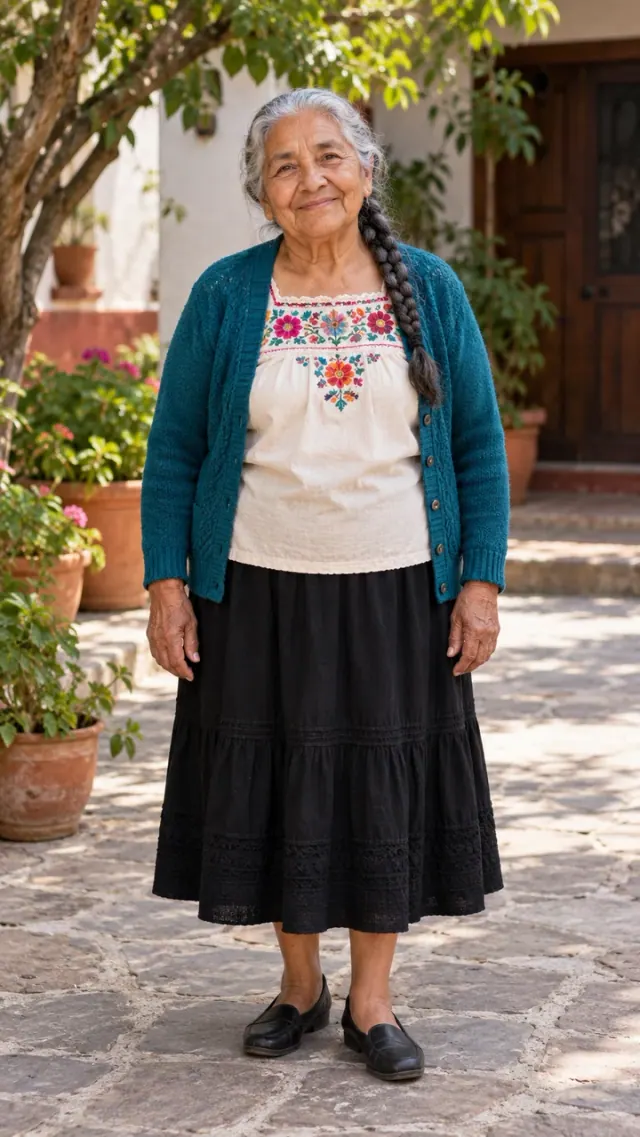
Fictional subject. Watch the complete example before creating.
YOUR INPUT1 clear photo
YOUR VIDEO10s · 9:16 MP4
NATIVE QUALITY720p
YOUR FILESPrivate in your account
A FEW WAYS TO REMEMBER
Every memory has a place.
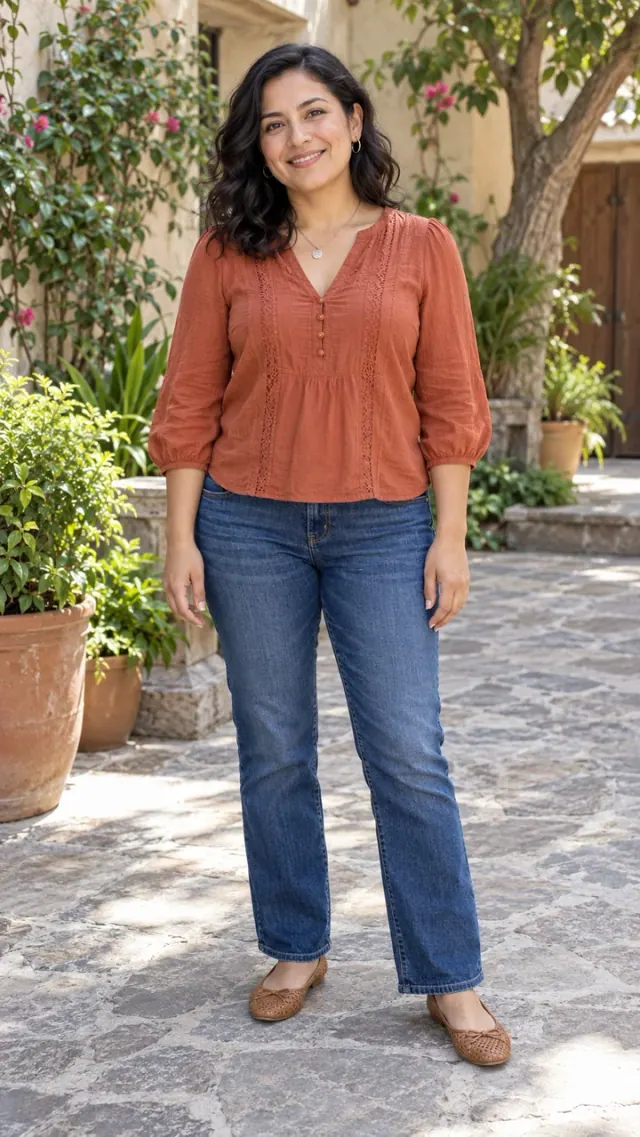
Original AI examples using fictional subjects. Customer photos stay private. Appearance and movement can vary.
FROM YOUR CAMERA ROLL TO A KEEPSAKE
Make a little room for memory.
Coco Marigold Bridge AI creates an original animated remembrance scene from one adult portrait. Choose the flower-bridge walk or a petal transformation with decorative Catrina makeup.
Choose a photograph with a clear face and the details you want to remember. Check your scene and the credit cost before submitting.
How it works ↓YOUR PERSONAL KEEPSAKE
Begin with a photograph.
THREE SMALL STEPS
A photograph. A new little moment.
- 01
Choose your memory
Pick a scene and add a clear photo. For a hug, add two adult portraits separately.
- 02
Create at your own pace
Sign in, check the credit cost and submit once. Your account saves the task and its progress.
- 03
Keep it close
Open the complete result, check the details and download your original MP4.
THE DETAILS THAT MATTER
A little care makes the memory yours.
Choose your Coco Marigold Bridge AI effect
Coco Marigold Bridge AI covers two different looks. The bridge walk focuses on careful steps and cupped petals. The Catrina option uses swirling flowers and decorative skull makeup. Choose the scene that matches the example you like; changing the option changes the generation instructions and the resulting story.
Prepare a Coco Marigold Bridge AI portrait
Use one well-lit adult portrait for Coco Marigold Bridge AI. Keep both eyes, the hairline and the clothing visible. Tight crops can leave the model to invent the lower body. A softer animation can preserve a familiar expression while changing small features; it will not recreate a photographic face exactly.
What Coco Marigold Bridge AI means
Coco Marigold Bridge AI is a search description for a warm animated flower-bridge effect. Our scenes use original environments and do not contain movie footage, film characters or studio logos. This independent service is not affiliated with Disney or Pixar. Catrina makeup and the Coco bridge scene are different visual choices.
Share your Coco Marigold Bridge AI creation
Review your Coco Marigold Bridge AI face, hands and final frame before posting. Add permitted music in your editing or social app. Describe the clip as an imagined tribute. If you prefer a photographic two-person scene instead of animation, the Heaven Hug page explains the separate two-photo workflow.
ONE-TIME CREDIT PACKS
Choose a little space for your memories.
Instructions and examples are free. Your personalized video uses credits: native 720p costs 1 credit.
One memory
1 credit · one-time purchase
1 native 720p video.
- All scenes on this website
- Private original MP4 download
- No subscription
- Credits do not expire
Three moments
A little more room3 credits · one-time purchase
3 native 720p videos.
- All scenes on this website
- Private original MP4 download
- No subscription
- Credits do not expire
A collection
5 credits · one-time purchase
5 native 720p videos.
- All scenes on this website
- Private original MP4 download
- No subscription
- Credits do not expire
Video model: Seedance 2.0 Mini, provided through EvoLink. How your photos are processed.
AI can change facial details, fur, clothing or movement. Start with a clear photo and watch the complete examples. Confirmed technical failures restore credits; request a review of a severe visual defect within 7 days. Re-creations and refunds ↗
Prices in USD. Taxes and the final total appear at checkout. Purchases and balances belong to this website only.
A FEW REASSURING ANSWERS
Before you begin.
What is Coco Marigold Bridge AI?
Coco Marigold Bridge AI is an online photo-to-video tool for a personal remembrance scene. Upload a clear photo of one adult person, choose a scene and create a private MP4.
How do I use Coco Marigold Bridge AI?
Choose a scene in Coco Marigold Bridge AI, add your photograph, sign in and review the displayed credit cost. Submit once, follow the saved task and open the result from your account.
Is Coco Marigold Bridge AI free?
Coco Marigold Bridge AI examples and instructions are free to view. Personalized video generation requires purchased credits. The smallest one-time pack is $9.99 for 1 credit. There is no subscription.
How many photos does Coco Marigold Bridge AI need?
Coco Marigold Bridge AI needs one clear photo of one adult person. JPG, PNG and WebP are accepted, up to 5 MB per image. Use a clear face and natural light.
What file does Coco Marigold Bridge AI deliver?
Coco Marigold Bridge AI delivers a vertical 9:16 MP4. Native 720p creation uses 1 credit. The scene and complete sample show the intended action; check the current duration beside the create button.
Does Coco Marigold Bridge AI include the viral song?
Coco Marigold Bridge AI can create original ambient sound. It does not include the original viral recording or promise the same song. Add music available for your account and intended use inside your social app.
Will Coco Marigold Bridge AI look exactly like my photo?
Coco Marigold Bridge AI creates new AI imagery, so faces, fur, clothing, hands and movement can vary. A sharp, uncluttered photo helps preserve identity. Review the full examples to choose the right visual style.
What if my Coco Marigold Bridge AI video fails?
A confirmed technical failure in Coco Marigold Bridge AI returns the credits charged once. A delayed or unconfirmed task is checked before retrying. For a serious visual defect, contact support within 7 days with the task ID.
Are my Coco Marigold Bridge AI photos private?
Coco Marigold Bridge AI keeps uploads and results private to your account. Inputs are scheduled for deletion after 7 days unless unresolved, and results after 30 days. Customer uploads are not published as examples.
ANOTHER WAY TO REMEMBER